Features

To elevate your creative endeavors, SammyAI offers a handful of features designed to help you create with better context, precision, and control. Each feature's got strengths and weaknesses, so understanding when and how to use them will help you get the most out of your experience with SammyAI

Context Injection

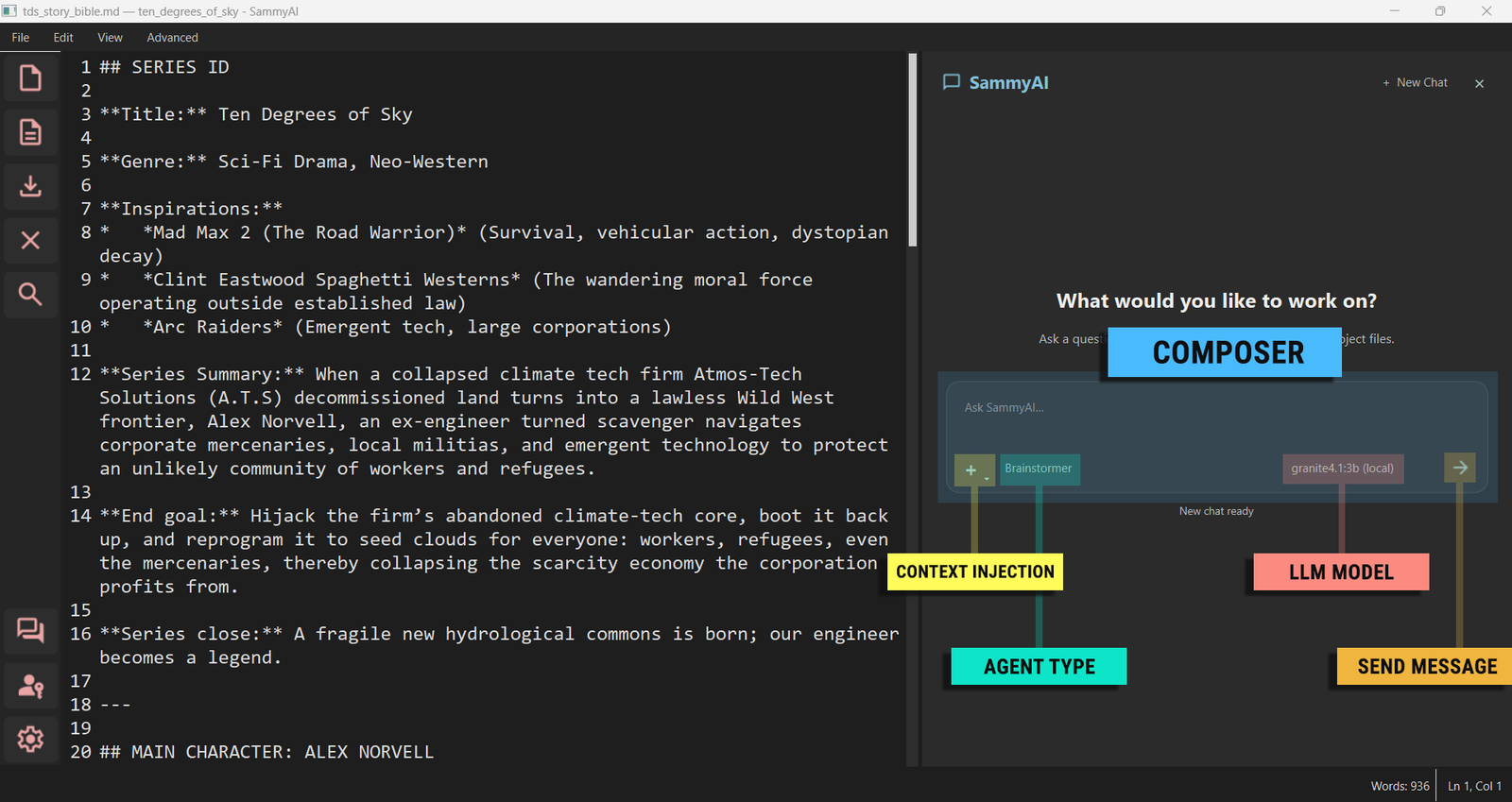
Context Injection lets you provide extra information (documents, notes, metadata, or snippets) that the model can use to make outputs more relevant to your story. Injected context is treated as additional prompt material that helps guide tone, facts, and style. For example, writing your story bible in the chat box makes for a terrible experience. Instead, a story bible can be served to the LLMs with Context Injection, because it is simple, precise, and the LLMs get the full picture instantly. But when using Context Injection, you must be aware of the context windows. SammyAI has "CIN" tab in the menu bar for Context Injection that allows you to feed LLMs anything you want them to know about your story.

RAG (Retrieval-Augmented Generation)

RAG retrieves relevant documents from a knowledge base and supplies them to the model at generation time. This approach improves factuality and helps the model reference specific information without requiring you to manually paste large amounts of text. RAG makes AI answers more accurate, current, and grounded in facts. RAG in SammyAI is limited to 50mB files at the moment. You can feed knowledge about your story to SammyAI with RAG through "RAG" tab in the menu bar.

Diff-Edits

Diff-Edits, also known as "Difference Based Edits" or "diffedits", enable targeted changes by computing and applying differences between versions of a document. Rather than re-writing an entire section, you can apply precise edits and review them as a diff for better control over changes. With SammyAI diff-edits are used for precision editing, like: "change dialog on line 34", "add paragraph between lines 100 and 101", etc... Diff-based edits with SammyAI shows your previous text, then SammyAI's suggested rewrite that you can either accept or reject. Diff-edits are available in SammyAI through "DBE" tab in the menu bar.

Multi-Modal Chat

SammyAI breaks the "brand barrier" by allowing you to interact with multiple Large Language Models (LLMs) from different providers within a single, dynamic session. Use the dropdown to pick your model (Local or Cloud) and switch between them seamlessly as your story demands. This flexibility empowers you to leverage the unique strengths of each model, ensuring you always have the best tool for the task at hand. Whether you need the creativity of one model or the precision of another, SammyAI's Multi-Modal Chat has you covered.

Read full documentation: SammyAI Documentation